



 TXPodcast
 Listen to real podcasts, build real fluency
Bilingual subtitles follow every sentence. Tap a word to look it up, let AI untangle the tricky sentences, and review every word before you forget — all with the shows you already want to hear.
Follow every sentence
Each episode is transcribed sentence by sentence with a translation in your native language. The current sentence lights up as it plays — down to the exact word — so your eyes follow your ears.
- Sentence- and word-level highlighting with auto-scroll
- Bilingual / original / translation / off, plus four text sizes
- Single-sentence loop and A-B repeat for tough lines
Tap a word, get it instantly
Tap any word in the subtitles: a dictionary card pops up and playback pauses automatically. Close it and the audio continues. A built-in dictionary is included, and you can import MDict dictionaries such as Oxford for full definitions, examples, and native audio.
- Auto-pause, resume on close
- Import MDict dictionaries (iOS / Android / macOS)
- Add to your vocabulary with the sentence it came from
Let AI untangle long sentences
Tap ✦ on a subtitle line and AI breaks the sentence down — grammar, key words, natural expressions — streaming as it writes. Ask follow-up questions, and save anything useful as a note.
- Explain a whole sentence or a selected phrase
- Streams as it writes; ask follow-ups
- Save as a note and revisit it alongside your words
Looked up once, kept for you
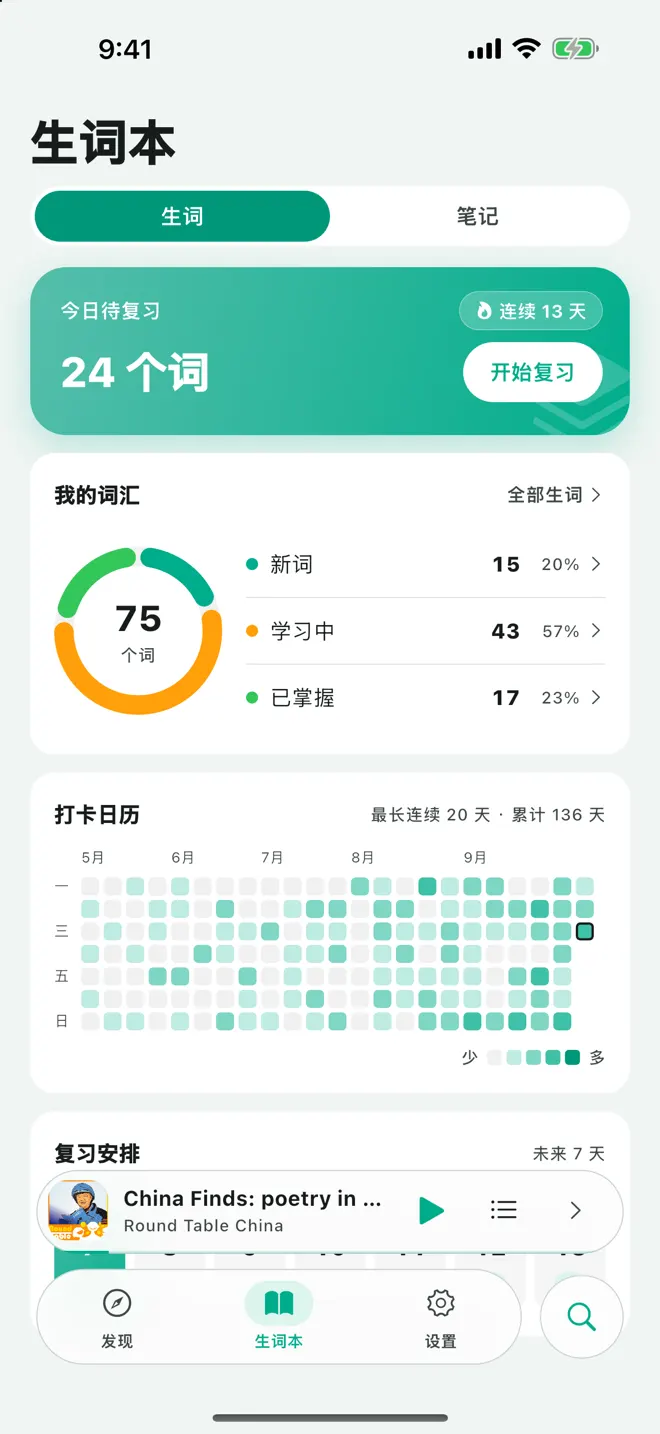
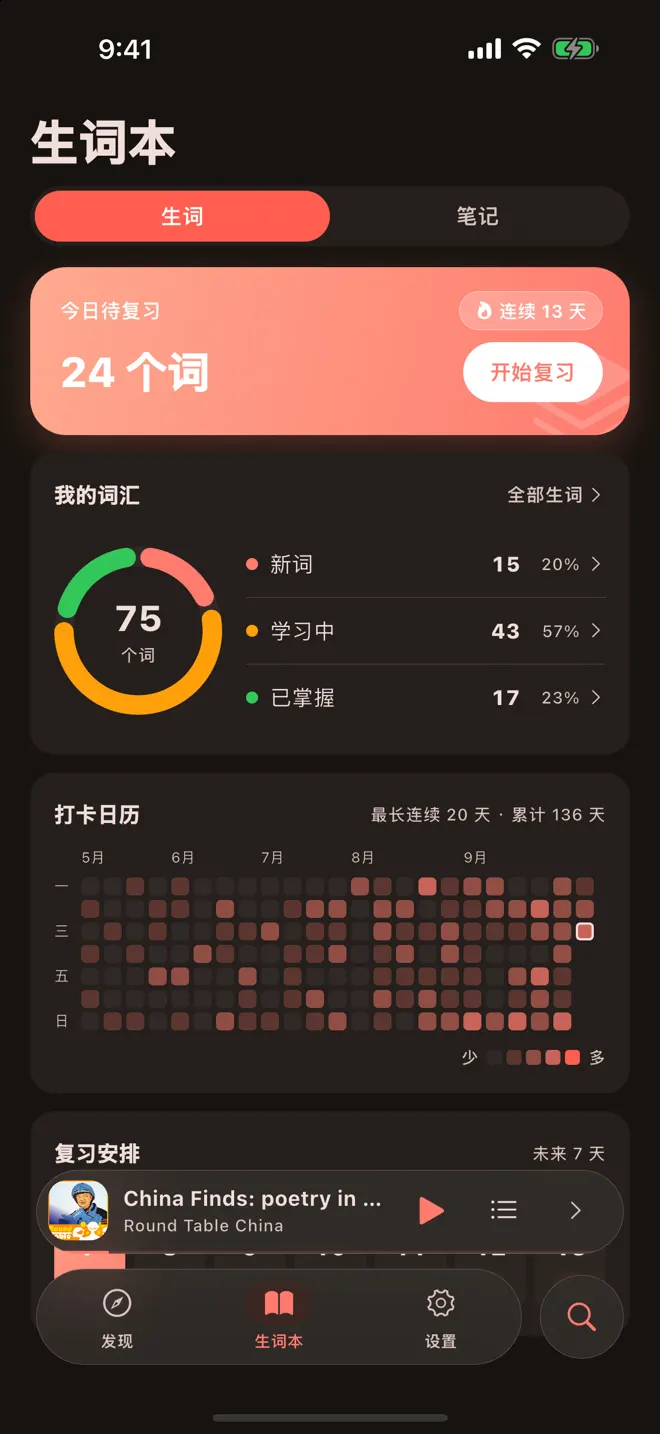
Every word you look up lands in your vocabulary book with phonetics, a definition, and the sentence it came from. Due reviews, progress, a streak calendar, and the next 7 days of reviews — all on one page.
- New → learning → mastered, shown in a progress ring
- A streak calendar logs the words you add and review each day
- Jump from any word back to its original sentence
Meet again, before you forget
Flashcards are generated on the Ebbinghaus forgetting curve. The front shows the word and pronunciation; flip it for the definition and the sentence it came from.
- Three-level self-rating: forgot / fuzzy / know it
- Your rating sets the next review date
- The context sentence is a built-in example
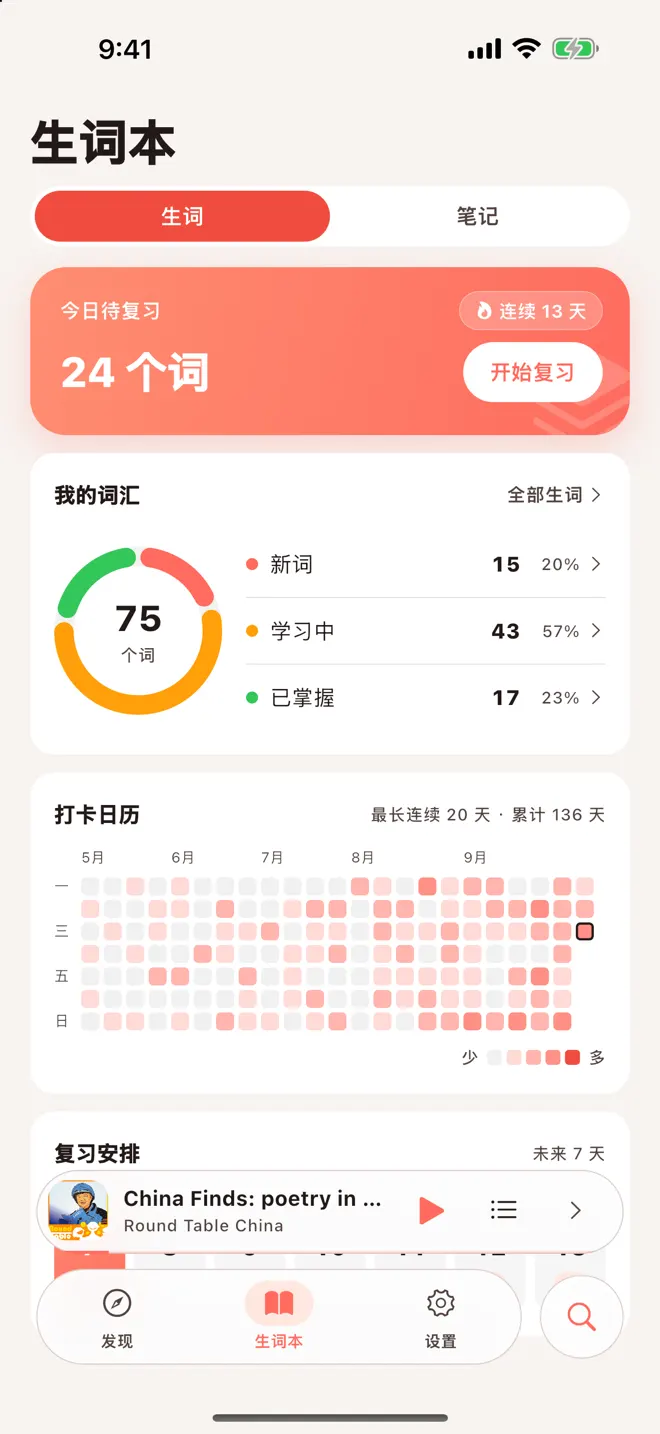
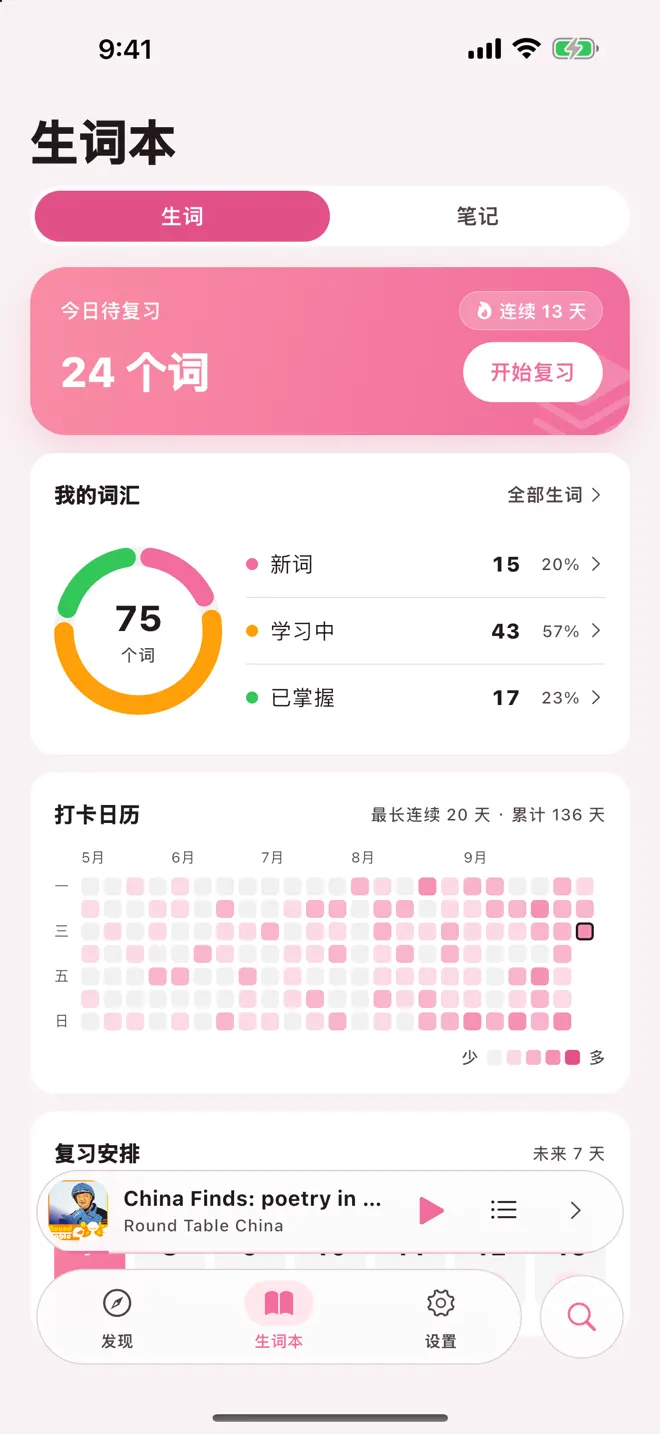
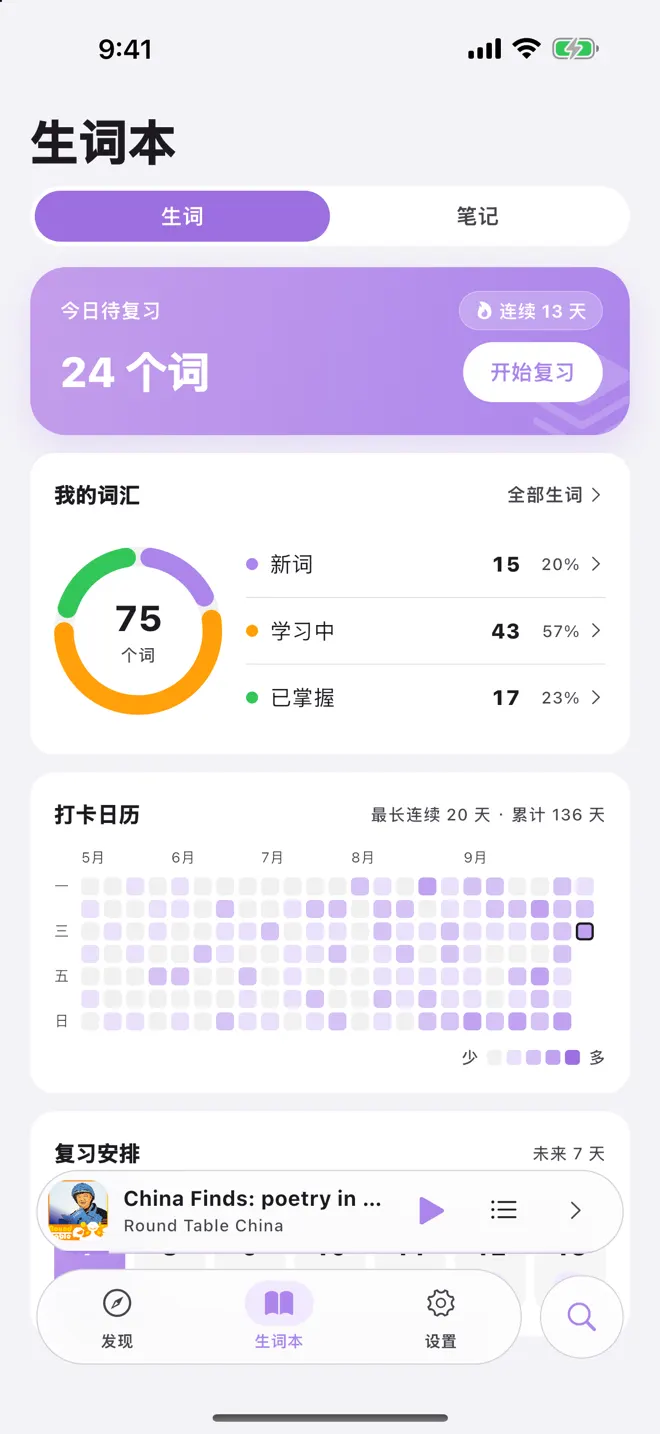
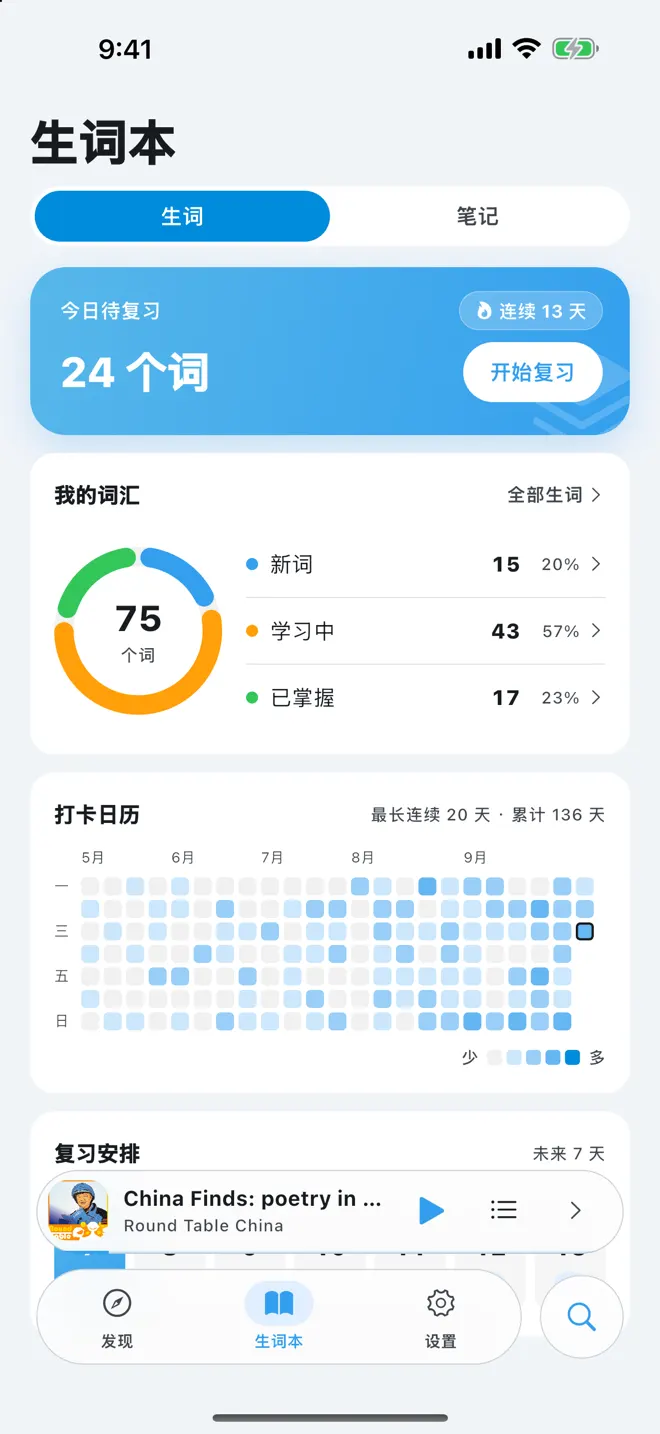
A new color for a new mood
Five palettes — Peach Coral, Sakura, Taro, Sea Salt, and Mint — in light, dark, or system mode. Pick one in Settings and it applies instantly.
The right difficulty keeps you listening
Shows come from public RSS feeds — from slow-paced shows to TED Talks, BBC, and VOA — each labeled with a CEFR level, and you can search for the show you want.
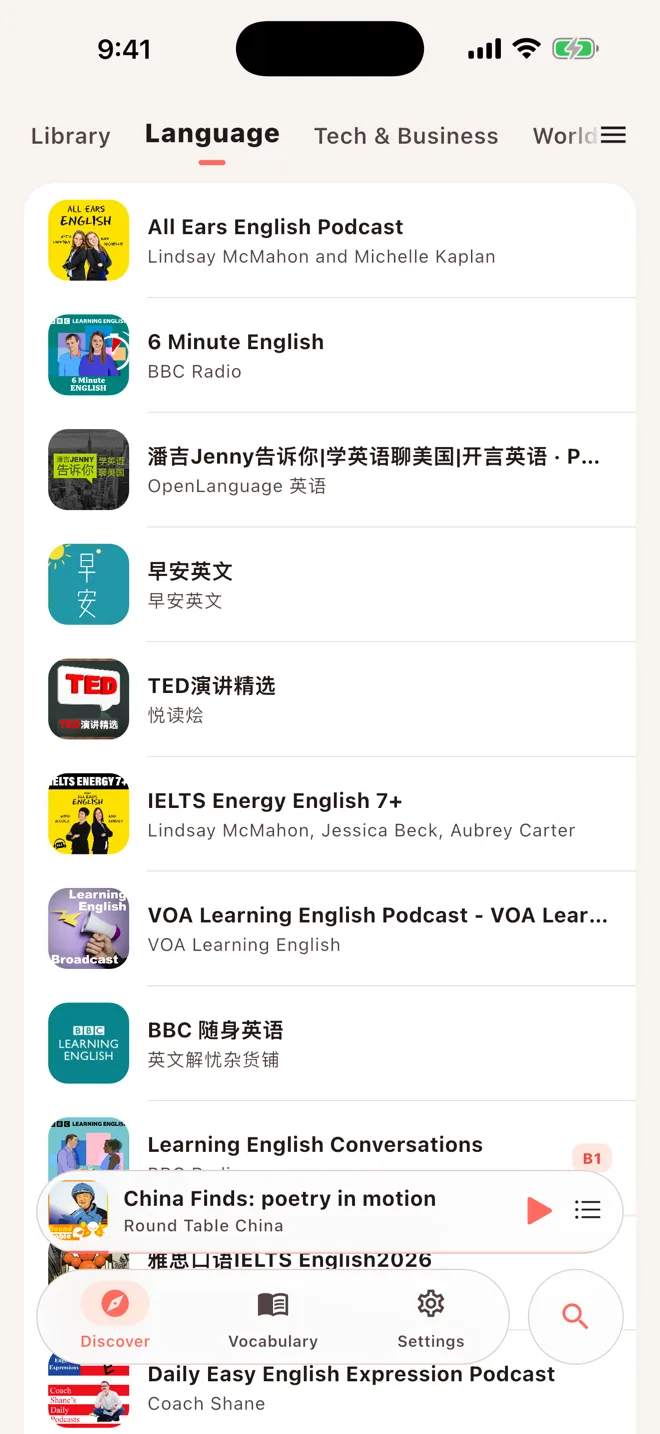
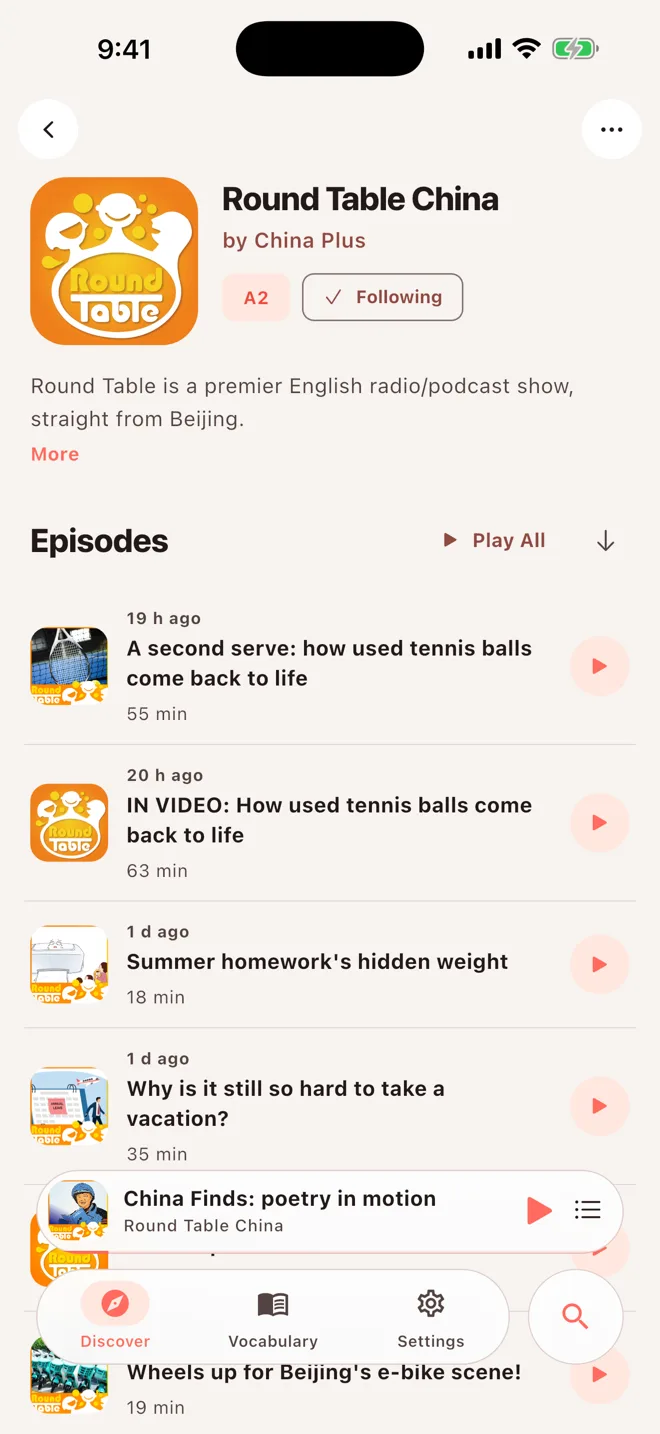
- Show-level CEFR A1–C2 difficulty labels
- Search across the Apple Podcasts directory
- Request transcription for episodes without subtitles
Everything a player should have
Offline cache
Audio and subtitles cached together for the subway.
Sleep timer
Countdown or end-of-episode — safe for bedtime.
Playback speed
Step it up as your listening improves.
Play next
Queue an episode right after the current one.
Cross-device sync
Queue, progress, and words synced across iPhone, iPad, and Mac.
Split view
Browse on the left, play on the right on iPad and Mac.
Subtitle fixes
Spot a mistake? Long-press to submit a correction.
Minor mode
PIN-protected parental controls filter explicit shows.
Real voices are the best textbook
Turn the podcasts you already love into language practice you can stick with.
Open this APK link in your browser
WeChat cannot install APK files directly. Copy the link, then open it in your system browser to download.
If copying fails, long-press the link and copy it manually.